Ignoring WordPress Updates: What It Really Costs
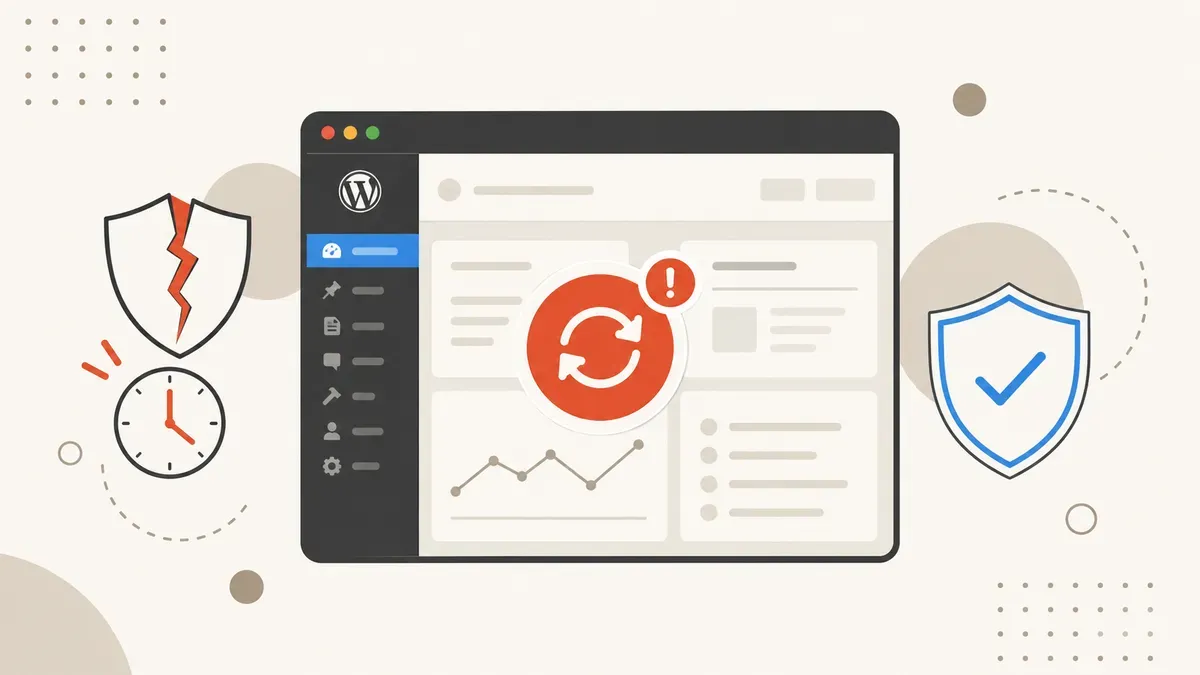
11,334 new vulnerabilities in 2025, median exploitation in 5 hours, cleanup costs up to $3,000+. What happens when you skip WordPress updates, and what professional maintenance does about it.
You dismiss the WordPress update notification. "I'll do it later." You've been saying that for three months. Meanwhile, Patchstack documented 11,334 new security vulnerabilities in the WordPress ecosystem. In 2025 alone. That's 36 new plugin vulnerabilities every single day.
Most site owners underestimate how fast attackers move. The median time to first exploitation of a known vulnerability is 5 hours. Not days. Not weeks. Five hours. Your "I'll do it later" is an open invitation.
WordPress powers 42.2% of all websites globally (W3Techs, May 2026). That makes it the most lucrative target on the internet. Roughly 13,000 WordPress sites get hacked every day. And in most cases, the cause was entirely preventable.
Why plugins are the biggest risk
WordPress core is surprisingly secure. In 2025, only 6 vulnerabilities were found in core. Six. The problem lives elsewhere: 91% of all security vulnerabilities come from plugins. The remaining 9% from themes.
Every plugin you install expands your attack surface. Many plugin developers are solo operators or small teams without dedicated security audits. The result: 1,966 high-severity vulnerabilities in 2025 alone. More than the previous two years combined.
It gets worse. 46% of all discovered vulnerabilities had no patch at the time of disclosure. Even if you wanted to update immediately, nearly half of all vulnerabilities had no fix available.
This is why professional WordPress maintenance matters so much. Clicking "Update All" is not a security strategy. Someone needs to monitor vulnerability databases, proactively disable plugins without patches, and evaluate alternatives.
How fast hackers strike: the numbers
The window between vulnerability disclosure and the first attack keeps shrinking. According to the Patchstack 2026 Report, 20% of heavily exploited vulnerabilities are attacked within 6 hours of disclosure. 45% within 24 hours.
With a 5-hour median, automated bots scan the web constantly for known vulnerabilities. The moment a new flaw goes public, the race begins. If you're doing your updates "sometime this weekend," you've already lost.
Sites older than 3 years have a 42% hack rate. Sites under one year sit at 2%. The reason is straightforward: older sites accumulate technical debt. Outdated plugins, forgotten theme installations, passwords that haven't been changed since launch.
What a hack actually costs
Direct cleanup fees are only part of the cost. Here's a realistic breakdown:
| Scenario | Cost (USD) | Timeline |
|---|---|---|
| Standard cleanup (malware removal) | $500 - $800 | 1 - 3 days |
| Severe compromise with backdoors | $1,500 - $3,000+ | 3 - 7 days |
| Google blacklist removal + recovery | $800 - $2,500 | 2 - 6 weeks |
| Lost revenue (downtime) | varies | days to weeks |
| Reputation damage | incalculable | months |
UK businesses report an average total breach cost of GBP 25,700. That includes downtime, customer loss, and full restoration. For a small business, that number can be fatal.
If you've already been hit: our website repair service handles fast cleanup. Prevention costs a fraction of recovery.
The three most common entry points
1. Weak or stolen passwords
81% of hacked WordPress sites involved weak or stolen passwords. Brute-force attacks on /wp-admin/ run around the clock. Without two-factor authentication and strong passwords, you're low-hanging fruit.
2. Outdated plugins without patches
36 new plugin vulnerabilities per day. With 46% having no patch at the time of discovery, a pure "just update" strategy becomes a gamble. You need active monitoring. Which plugins are affected? Is there a patch? If not: disable until one ships.
3. Cheap shared hosting without isolation
On a shared hosting server, one compromised site can endanger every other account. Proper hosting with container isolation, automatic backups, and server-side firewalls is not a luxury. It's a baseline requirement.
What professional maintenance actually covers
Good WordPress maintenance goes beyond "apply updates." Here are the key components:
- Daily vulnerability monitoring: Cross-referencing your installed plugins and themes against current CVE databases.
- Controlled updates: Staging first, then production. Never blind-pushing to live.
- Plugin audits: Regular reviews of whether each plugin is still maintained and whether safer alternatives exist.
- Backup strategy: Daily backups with off-site storage. Recovery in hours when things go wrong, not days.
- Hardening: Two-factor authentication, login rate-limiting, file integrity monitoring, XML-RPC lockdown.
- Performance monitoring: Hacked sites often get used for crypto mining or spam. Unusual server load is an early warning sign.
Wondering about costs? Our realistic website cost breakdown for 2026 covers the full picture. The short version: maintenance runs $50 - $200 per month. A hack cleanup costs three to ten times that.
WordPress security vs. headless alternatives
Some businesses wonder if switching away from WordPress solves the security problem. Our WordPress vs. Next.js comparison digs into this in detail. The short answer: every system has attack surfaces. WordPress has more because it has the largest ecosystem. But a well-maintained WordPress site is more secure than a neglected Next.js project.
No platform stays secure without maintenance.
What you should do right now
Three steps you can take today:
- Apply all updates. Now. Not tomorrow. Plugins, themes, core. Make a backup first.
- Audit your passwords. Admin accounts, FTP, database, hosting panel. Change anything weak. Enable 2FA.
- Do a plugin inventory. Every plugin you're not actively using: delete it. Don't just deactivate. Delete. Every deactivated plugin is dead attack surface.
If you don't have the time or expertise to manage this yourself, that's what professional maintenance is for.
Ready to take WordPress security seriously?
We handle updates, monitoring, and backup management so you can focus on your business. No nasty surprises.
Get a free consultation