Website Relaunch Checklist 2026: 23 Points for a Safe Migration
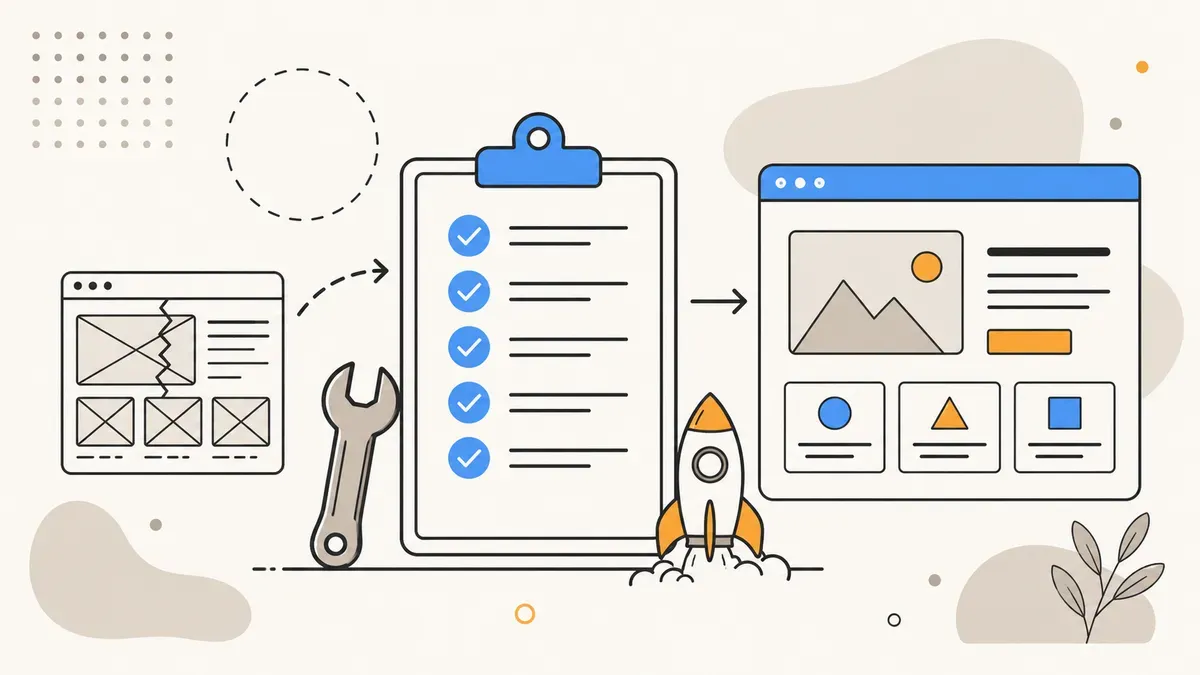
80% of redesigns miss their targets, 20–40% organic traffic loss, 49% of projects ship late or never finish. 23 points across six phases – from baseline audit through SEO migration to post-launch monitoring.
You are planning a website relaunch. New design, better performance, modern tech stack. All reasonable goals. But 80% of redesigns miss their targets – not because the new site looks worse, but because the migration destroys SEO equity, breaks conversion paths, or ships late.
This article is the checklist we use for every relaunch project. 23 points across six phases – from baseline audit through migration to the first 90 days after go-live. If you are still deciding whether a relaunch is worth the investment, our website cost overview for 2026 can help with the calculation.
80% of redesigns
miss their targets
from poorly managed relaunches
or never finish
ranking stabilization
Why most relaunches fail
A relaunch is not a design project. It is a migration project with a design component. Most teams treat it the other way around: they invest weeks in layouts and colors but hours in URL mapping and redirect planning. The result is a site that looks better and performs worse.
Three patterns show up repeatedly:
No baseline audit. If you do not know which pages drive how much traffic, you cannot measure what the relaunch cost you. Without baseline data, there is no success metric.
URL structure changes without a redirect plan. Every URL that changes without a 301 redirect loses its entire ranking power. For 200 pages, a spreadsheet works. For 2,000, you need automated mapping.
Content gets rewritten during migration. Pages ranking in the top 5 get rewritten during the relaunch. Google cannot distinguish whether the ranking loss comes from the new URL, the new content, or the new tech stack. Everything drops, and nobody knows which lever to pull.
Phase 1: Baseline audit before the first wireframe
Before you plan anything on the new site, you need a complete picture of the current one. This data is your safety net – it shows you what to protect and provides the comparison values for measuring success.
1. Export Google Analytics. Download the last 12 months as a reference: pageviews per URL, conversion rates, bounce rates, traffic sources. Save the raw data, not just screenshots.
2. Crawl Google Search Console. Export all indexed URLs with clicks, impressions, CTR, and average position. Sort by clicks descending – your top 50 pages are the ones where you cannot afford mistakes.
3. Back up your backlink profile. Export all incoming links via Ahrefs, Semrush, or Search Console. Every backlink points to a specific URL. If that URL changes without a redirect, you lose the link equity.
4. Run a technical crawl. Run Screaming Frog or Sitebulb across the entire site. Document: page count, URL structure, internal linking, meta tags, canonical tags, hreflang tags, structured data.
5. Verify conversion tracking. Which events and goals are set up? Which forms, which buttons are tracked? This configuration must work identically after the relaunch – otherwise you are measuring the new site with broken instruments.
Phase 2: Plan the SEO migration
The SEO migration is the core of the relaunch. This is where you keep or lose your rankings.
6. Create a complete URL map. Every old URL gets a target URL on the new site. No exceptions. A URL that leads to a 404 page loses all its ranking power within weeks. For small sites, a spreadsheet works. For larger sites, automate the mapping with a script.
7. Prepare 301 redirects. Server-side 301 redirects for every changed URL. No JavaScript redirects, no meta refreshes, no client-side solutions. 301 is the only redirect type that passes ranking signals in full.
8. Check canonical tags and hreflang. Every page on the new domain needs a correct canonical tag pointing to itself. For multilingual sites, hreflang tags must point to the new URLs – not the old ones.
9. Update the XML sitemap. The new sitemap contains only new URLs. No old URLs, no redirects, no 404s. Submit it in Search Console on the day of go-live.
10. Migrate structured data. Schema markup (FAQ, HowTo, Organization, Breadcrumb) must be present on the new site. Test every page in the Rich Results Test before going live.
Phase 3: Content strategy for the relaunch
A relaunch is tempting as an opportunity to "finally clean things up." But aggressive deletion or rewriting of content during migration is one of the most common causes of ranking losses.
11. Do not touch top-performing pages. Pages ranking in the top 5 stay unchanged in content. Optimize them no earlier than three months after the relaunch, once rankings have stabilized.
12. Consolidate thin content. Pages with fewer than 300 words and minimal traffic can be merged. Redirect the old URLs via 301 to the consolidated page. This strengthens the remaining pages instead of scattering ranking signals.
13. Transfer meta titles and descriptions. If your old meta tags deliver good CTRs, carry them over unchanged. New meta tags mean a new test with Google, which means temporary CTR fluctuations.
14. Update internal links. Every internal link on the new site points directly to the new URL – not to the old one that then redirects. Redirect chains cost crawl budget and dilute link equity.
Phase 4: Tech and performance
Since Google's March 2026 core update, Core Web Vitals are no longer a recommendation – they are a ranking requirement. Pages that miss these thresholds lose rankings within the first indexation cycle.
| Metric | Threshold | What it measures |
|---|---|---|
| LCP (Largest Contentful Paint) | ≤ 2.5 seconds | Load time of the largest visible element |
| INP (Interaction to Next Paint) | ≤ 200 ms | Response time to user interactions |
| CLS (Cumulative Layout Shift) | ≤ 0.1 | Visual stability during loading |
15. Test Core Web Vitals on staging. Before the new site goes live, every important page must pass these values. Test with Lighthouse, PageSpeed Insights, and Chrome DevTools. If you are choosing between WordPress and a modern framework, our WordPress vs. Next.js comparison can help with the decision.
16. Verify mobile-first. Google has indexed only the mobile version since 2021. Test the new site on at least three devices: iPhone SE (small), iPhone 15 (medium), iPad (tablet). No element should cause horizontal scrolling.
17. HTTPS and security headers. The new site runs on HTTPS. Verify there are no mixed-content warnings and that security headers (HSTS, X-Content-Type-Options, CSP) are set correctly. Your hosting setup matters here – a VPS gives you full control over server configuration.
18. Check crawl blocks. Staging sites often have a noindex tag or a robots.txt block. This protection must be removed before go-live. A forgotten noindex in production is the most common cause of complete deindexation after a relaunch – an entirely preventable catastrophe.
Phase 5: Testing before go-live
19. Redirect tests. Test every redirect manually (for small sites) or via script (for large ones). Verify status codes with an HTTP header checker. Every redirect must return 301, not 302 or 307.
20. Cross-browser testing. Chrome, Safari, Firefox, Edge. Desktop and mobile. Check layout, functionality, and performance in every browser. Tools like BrowserStack or LambdaTest speed up the process.
21. Forms and conversion tracking. Every contact form, every button, every checkout flow must work on the staging site and be tracked correctly. Verify in GA4 that events arrive. Verify in Google Ads that conversions fire. Broken tracking after a relaunch makes your success measurement worthless.
22. Accessibility audit. WCAG 2.1 Level AA is already mandatory in many EU countries and will be tightened by the European Accessibility Act from June 2025 onward. Test with axe DevTools or WAVE: contrast ratios, alt texts, keyboard navigation, screen reader compatibility.
Phase 6: Go-live and the first 90 days
Launch day is not the end of the project. It is the beginning of the most critical phase.
23. Monitoring checklist for the first 90 days:
- Day 1: Submit the sitemap in Search Console. Verify all redirects with a crawl. Notify Google about URL changes (Search Console > Change of Address, if the domain changes).
- Week 1: Check Search Console for crawl errors daily. Fix 404 errors with redirects immediately. Monitor indexation status of your top 50 pages.
- Weeks 2–4: Track rankings of your top keywords. Minor fluctuations are normal – drops of more than 20 positions indicate a technical issue. Compare traffic against the baseline audit from Phase 1.
- Months 2–3: Compare conversion rates against the old values. If rankings are stable but conversions are dropping, the issue is the new design or conversion paths – not the migration.
With correct implementation, rankings recover within 2–4 weeks. Full stabilization takes 3–6 months. If you still see massive losses after 8 weeks, the migration has an unresolved problem.
Professional web development accounts for all of these points from the start. Treating a relaunch as a tech and SEO project – rather than a pure redesign – is how you keep your rankings and gain new ones.
Website relaunch without ranking loss?
We plan and manage your relaunch – from baseline analysis to post-launch monitoring. 30-minute consultation, free of charge.
Request relaunch consultation →