Headless WordPress: When Is the Split Worth It?
1.3% adoption, 3x setup cost, double infrastructure. Headless WordPress promises performance and flexibility – but for most SMB projects, it is overengineering. Numbers, pain points, and a checklist.
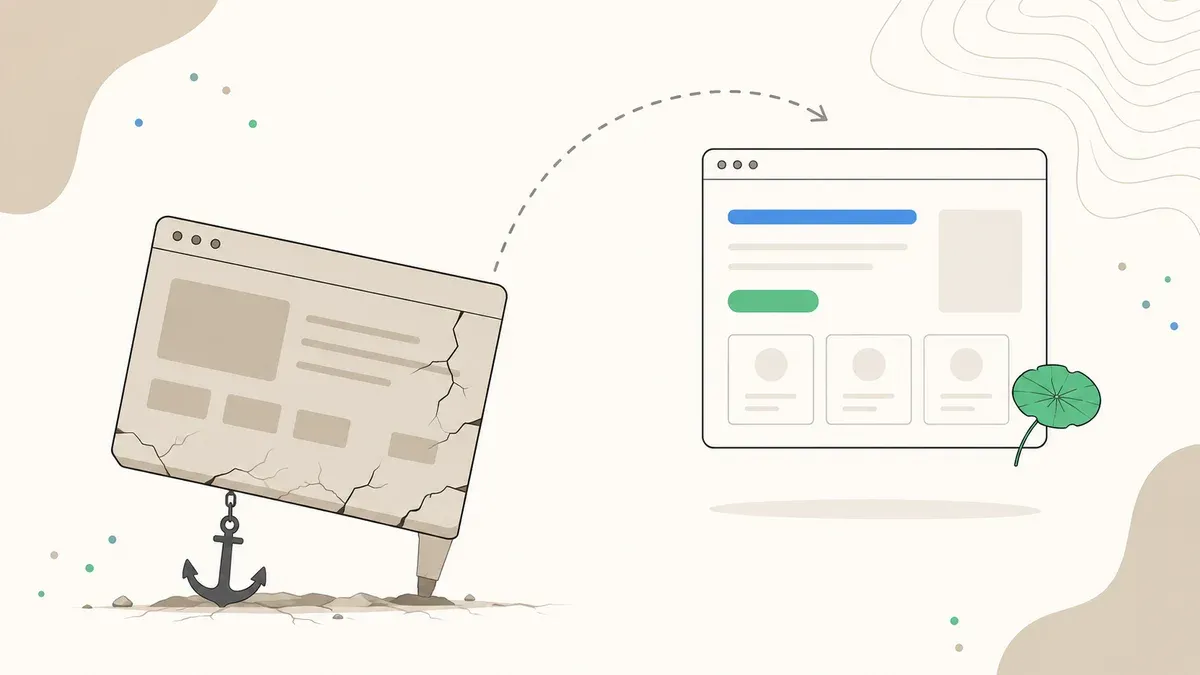
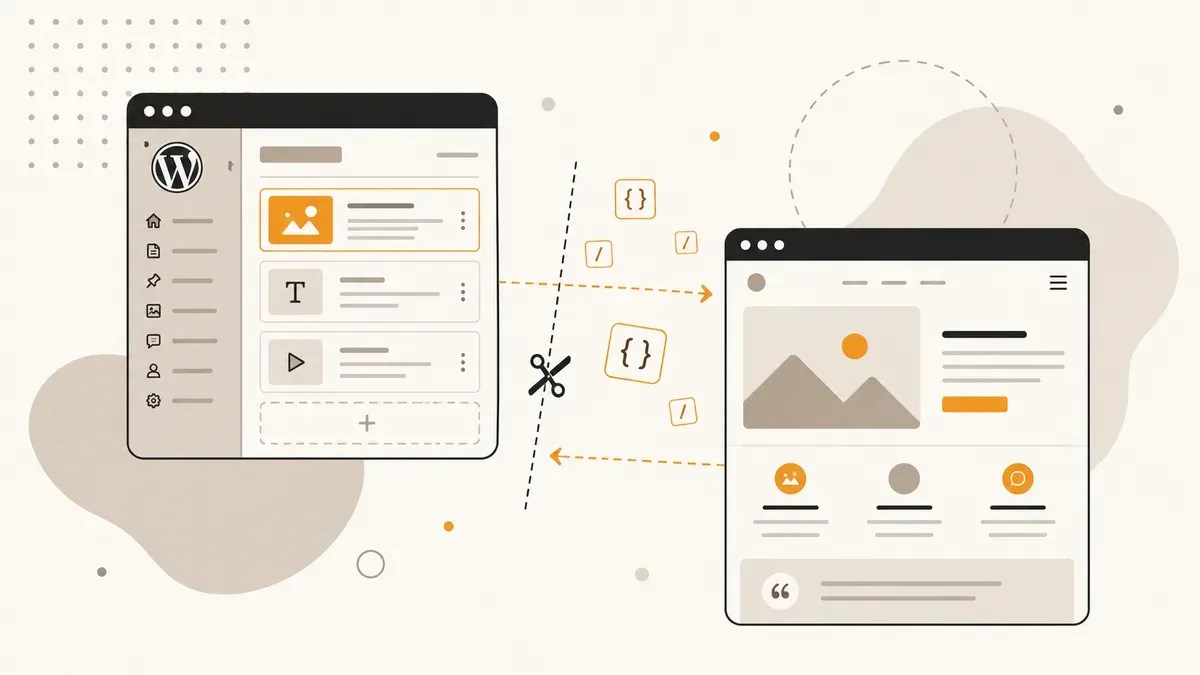
Headless WordPress separates the backend (content, editorial tools, plugins) from the frontend (what visitors see). WordPress delivers data via REST API or WPGraphQL, and a separate frontend in Next.js, Astro, or Nuxt renders the pages. The promise: faster load times, more flexibility, better developer experience. The reality: triple the cost, double the infrastructure, and a long list of things that break.
This article shows you when headless WordPress is the right architecture, when you should skip it, and what the decision costs in practice. No hype arguments, just numbers and hands-on experience from SMB projects.
Headless sounds modern.
But only 1.3% use it.
run headless
vs. 3,000–5,000 EUR
vs. 180–250 ms cached
How headless WordPress works
In a traditional WordPress installation, PHP handles everything: fetching content from the database, assembling the HTML, sending it to the browser. Theme, plugins, and content live on the same server. It is simple, proven, and the reason WordPress powers 43% of the web.
Headless cuts that connection. WordPress becomes a pure content management system. It stores text, images, and metadata but no longer renders them as a finished webpage. Instead, a separate frontend queries the content via API and renders it on its own.
In practice, this looks like:
- Backend: WordPress with the theme deactivated, WPGraphQL or REST API active. Editors continue working in the familiar WordPress dashboard.
- API layer: REST (included in core, good CDN caching, over-fetching) or GraphQL (precise queries, one request for nested data, more CPU-intensive).
- Frontend: A separate application in Next.js, Astro, Nuxt, or another framework. Runs on its own server or CDN.
The advantage: the frontend is not tied to PHP. You can build React components, statically pre-render pages, or serve them at the edge. The downside: everything WordPress normally handles automatically (themes, plugins, preview, SEO tags) has to be implemented in the frontend yourself. For a detailed comparison of when WordPress or Next.js fits SMBs, we have a separate article.
Performance comparison: the numbers
The strongest argument for headless is performance. But the differences depend on the setup. A WordPress site on solid managed hosting with caching is not a slow server. A poorly configured headless setup is not a performance miracle.
TTFB (Time to First Byte) comparison:
The differences are real but context-dependent. A WordPress site on a 3.49 EUR Hetzner VPS with Redis Object Cache and WP Super Cache delivers TTFB under 200 ms. That is sufficient for most SMB websites. Headless pays off on performance only when you have millions of monthly pageviews, need global delivery, or are building real-time personalization in the frontend.
For a 20-page company site or a blog with 50 articles, the performance difference between cached WordPress and headless is imperceptible in daily use. Both load in under one second.
Cost comparison: setup, operations, and 3-year TCO
This is where it gets expensive. Headless WordPress is an architecture upgrade, not a plugin. The cost of a website increases at every stage.
| Cost factor | Traditional WP | Headless WP |
|---|---|---|
| Setup | 3,000–5,000 EUR | 15,000+ EUR |
| Hourly dev rate | 40–80 EUR | 80–150 EUR |
| Hosting/month | 15–50 EUR | 30–120 EUR (2 services) |
| Maintenance/month | 50–150 EUR | 150–400 EUR |
| 3-year TCO | 5,340–12,200 EUR | 21,480–33,720 EUR |
The math: a traditional WordPress project costs you between 5,340 and 12,200 EUR over three years (setup + 36 months of hosting and maintenance). A headless project lands at 21,480 to 33,720 EUR. That is a factor of 2.5 to 3.
The higher hourly rates exist because headless developers need to master both WordPress backend and modern frontend frameworks. React + WordPress + API design + deployment pipelines: that is a different profile than someone customizing a starter theme. Add double hosting costs (WordPress server plus frontend hosting on Vercel, Netlify, or a dedicated Node server) and double CI/CD pipelines.
The 5 biggest pain points
Headless breaks things that traditional WordPress handles out of the box. Before committing to this architecture, you should know these five problems:
1. Plugins stop working. Contact Form 7, WPForms, Elementor, Divi, Yoast SEO, WooCommerce checkout pages: everything that relies on PHP-based frontend rendering is gone. You can query backend functionality via the API, but the frontend has to build every feature itself. For a shop with 20 plugins, that means 20 features you need to re-implement in your React frontend.
2. Preview is broken. In traditional WordPress, you click "Preview" and see the page as visitors see it. With headless, Gutenberg shows you an unused theme, not your actual frontend. You need to build a custom preview route in the frontend and connect it to WordPress. It is possible (Faust.js does this), but it is effort that many projects underestimate.
3. Every Gutenberg block needs a frontend counterpart. You have 30 core blocks and 15 custom blocks? Every single one must be explicitly rendered in the frontend framework. New blocks that editors add will not appear on the website without developer intervention. This restricts editorial freedom.
4. SEO features must be built manually. Meta tags, Open Graph data, canonical URLs, XML sitemaps, schema markup, hreflang tags: WordPress with Yoast or RankMath handles all of this with a few clicks. In a headless setup, you implement everything in the frontend. It is not rocket science, but it takes time, and forgotten tags cost rankings.
5. Double infrastructure. Two servers, two deployments, two TLS certificates, two CI/CD pipelines, two domains (or reverse proxy configuration). If the WordPress backend goes down, the frontend cannot serve new content. If the frontend goes down, visitors see nothing. You double your attack surface and your maintenance overhead. If managing one server already feels like a stretch, ask yourself whether two servers is the right answer.
REST API vs. WPGraphQL: which API layer?
If you go headless, you need an API. WordPress ships the REST API out of the box. WPGraphQL is a plugin that adds GraphQL endpoints.
| Criterion | REST API | WPGraphQL |
|---|---|---|
| In WordPress core | Yes | No (plugin) |
| CDN caching | Good (GET requests cacheable) | Harder (POST requests) |
| Over-/under-fetching | Over-fetching common | Precise queries possible |
| Nested data | Multiple requests needed | One request suffices |
| Server load | Lower per request | Higher (query parsing) |
| Learning curve | Low | Medium |
For simple websites (blog, company site), the REST API is sufficient. For complex data structures with nested custom fields, taxonomies, and relationships, WPGraphQL saves requests and bandwidth. Most headless projects in practice use WPGraphQL because the flexibility compensates for the extra caching effort.
Which stack for which project?
If you decide on headless, three frontend stacks are available. Each has its profile:
- Next.js + WP (Faust.js): Market leader for headless WordPress. React-based, server-side rendering, incremental static regeneration. Large ecosystem, many tutorials. 40%+ of headless WP developers use React as their frontend framework. Ideal for projects with interactive features, dashboards, or personalized content.
- Astro + WP: Perfect for content-heavy sites. Astro ships zero JavaScript to the browser by default and loads frameworks only where interactivity is needed. Fastest setup for blogs, docs, and marketing sites. Our own website runs on Astro, though without WordPress as a backend.
- Nuxt + WP: For teams that prefer Vue.js. Comparable features to Next.js (SSR, SSG, ISR) but with the Vue ecosystem. Smaller community in the headless WP space, but works reliably.
The stack choice depends less on the project and more on the team. If your developers know React, pick Next.js. If performance and architectural simplicity are the priority, pick Astro. If Vue is the house standard, Nuxt. The differences in outcome are barely noticeable to visitors.
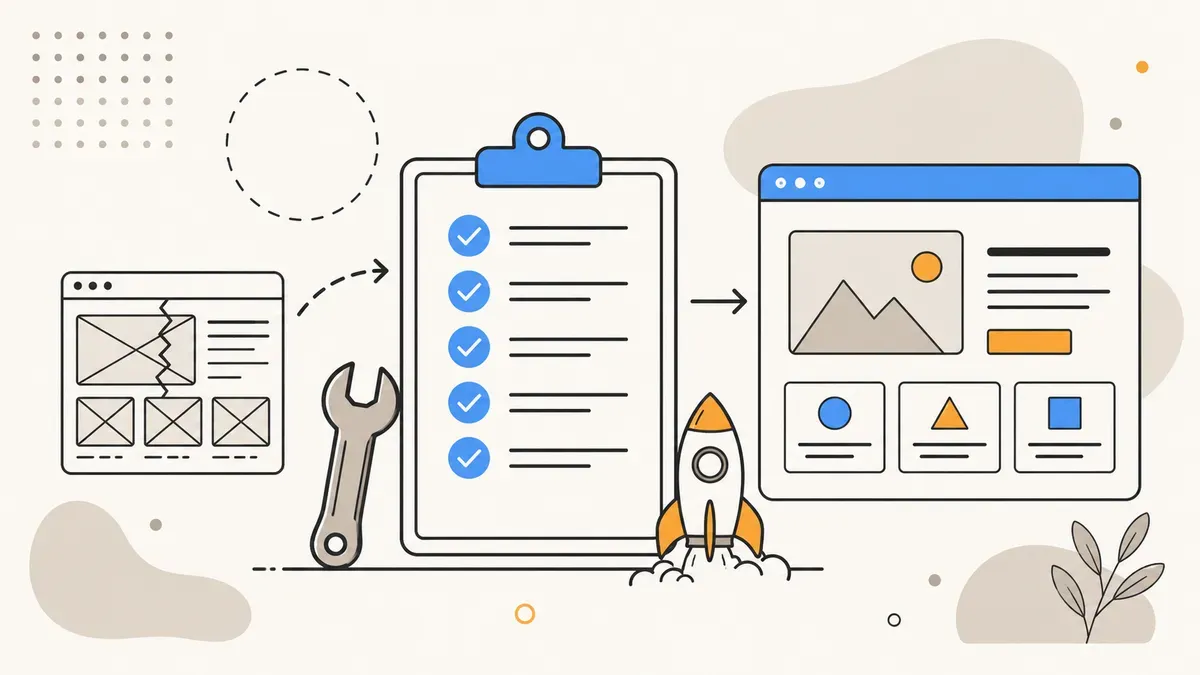
Checklist: when is headless worth it?
Answer these five questions. If you say "yes" to at least four, headless is worth considering. At two or fewer, you are better off with traditional WordPress.
| Criterion | Yes | No |
|---|---|---|
| Budget above 15,000 EUR for setup? | ✔ | ✘ Traditional WP is sufficient |
| Dev team with React/Vue experience? | ✔ | ✘ Headless requires frontend devs |
| Multi-channel (web + app + kiosk)? | ✔ | ✘ Single channel = no headless needed |
| Editors can work without live preview? | ✔ | ✘ Page builder needs = go traditional |
| 100,000+ pageviews/month? | ✔ | ✘ Caching solves this cheaper |
Typical projects where headless makes sense: a media company delivering content to web, app, and newsletter simultaneously. An e-commerce project with a highly custom frontend and 500+ products. A platform with user-generated content and real-time updates.
Typical projects where headless does not make sense: a 5-page company website. A blog with 30 articles. A small shop with under 100 products. A website that editors need to maintain independently via page builder. Around 80% of agency projects for SMBs in the DACH region fall into this category, and that is not a coincidence.
Conclusion: headless is a tool, not an upgrade
Headless WordPress is the right architecture for projects that need multi-channel delivery, maximum frontend control, or global CDN delivery. For everything else, it is overengineering at 3x cost and 2x complexity.
Adoption sits at 1.3% of top sites, growing at 22% per year but from a very small base. Most WordPress projects in the SMB space benefit more from good hosting, clean caching, and a well-built theme than from an architecture revolution.
If you are unsure whether your next project should run traditional or headless: we advise you based on your specific requirements. No architecture dogma, no stack religion. Just the solution that fits your budget and your goals. More about our approach on our web development page.
Headless or traditional? Let's discuss your project.
30 minutes, free of charge. We analyze your requirements and recommend the architecture that fits your budget and goals.
Book a call →