AI Chatbot for Your Website: When Does It Pay Off?
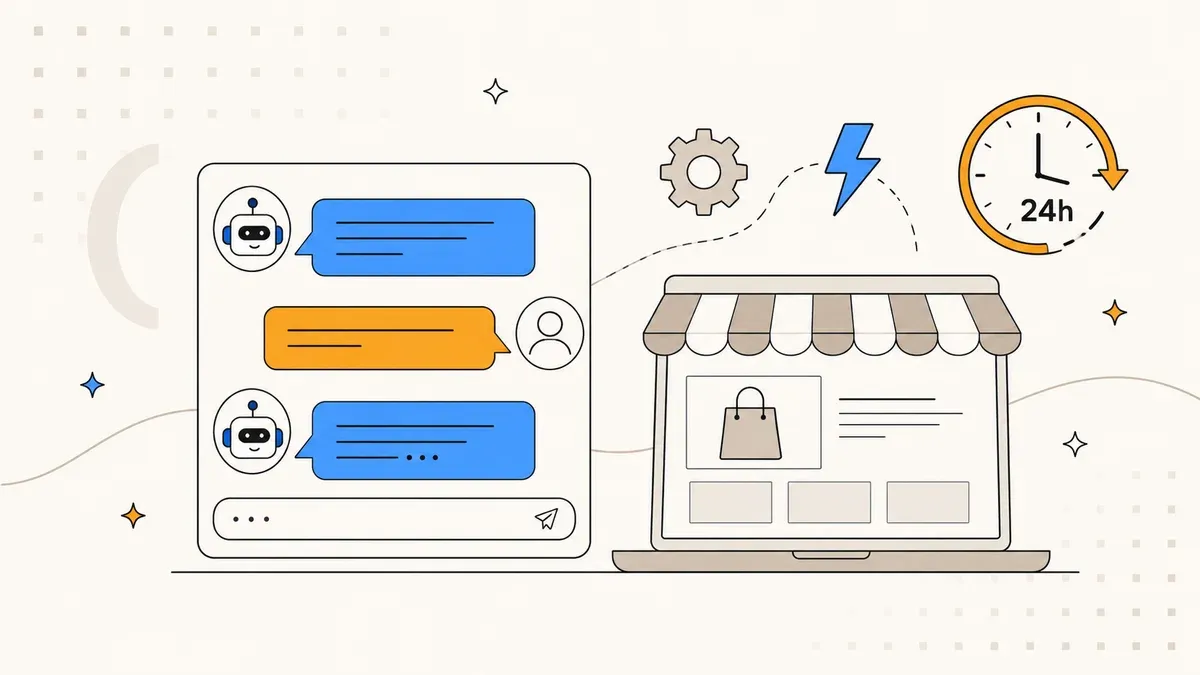
68% of customers expect answers in under 5 minutes. An AI chatbot delivers them 24/7 – from 2,500 EUR setup, 89 EUR/month. Case study, cost comparison, and 4 indicators whether a chatbot makes sense for your business.
A visitor lands on your website. They want to know if your yoga retreat in October still has spots, whether beginners can join, and what is included in the price. Three questions, three different subpages, five clicks, two scrolls. After 40 seconds, they leave. For advisory-intensive products, this happens dozens of times a day – and every bounce costs you between 80 and 500 EUR in lost revenue.
An AI chatbot can change that. But not every chatbot, not for every business, and not at every price point. This article shows you when the investment pays off, what it costs, and what a real project looks like – with numbers from an actual build we delivered as a custom tool for a retreat provider.
Advisory support around the clock.
Without staffing costs.
answers in under 5 min.
vs. 15,000+ SaaS lock-in
no night shifts needed
What an AI chatbot can do in 2026 – and what it cannot
Forget the script bots of 2019. A modern AI chatbot understands natural language, recognizes intent from context, and accesses your product data in real time. It can check availability, quote prices, make recommendations, and guide visitors through complex decisions – all within a single conversation flow.
What it cannot do: make decisions that require human judgment. Resolve complaints with tact. Close contracts. A chatbot does not replace sales or customer service. It replaces the ten minutes a visitor would need to click through your FAQ and product pages – minutes most of them never invest.
That sounds like a small distinction. In practice, it is the difference between a visitor who bounces and one who sends an inquiry.
When a chatbot pays off – the 4 indicators
Not every website needs a chatbot. For a barber with three services and an online booking tool, it is overkill. For a consultant with a single contact page, too. A chatbot makes sense when at least two of these four conditions apply:
1. Advisory-intensive products. Your visitors need to understand which offering fits them. Retreats, travel packages, courses, insurance, complex services. The more variants and options, the higher the value.
2. Recurring standard questions. If your team answers the same five to ten questions every week – pricing, availability, directions, prerequisites – a bot can intercept those requests. Not to avoid personal contact, but to free it up for the cases that need it.
3. Bounces despite traffic. You have visitors, but they do not convert. Your conversion paths are too long or too confusing. A chatbot shortens the journey from question to answer to a single interaction.
4. Time-shifted demand. Your customers research in the evening, on weekends, or from other time zones. A bot answers at 11 PM just as precisely as at 10 AM.
Case study: VivereBot – an AI concierge for yoga retreats
Vivere Vital (vivere-vital.de) is a retreat provider in the wellness space. Their catalog includes several yoga retreats with different themes, dates, and price points. Visitors arrived on the site with interest – but the combination of date searches, price comparisons, and content questions led to high bounce rates.
We built VivereBot – a German-language concierge chatbot, live at vivi.vivere-vital.de. It guides visitors through the retreat catalog in natural conversation: Which retreat fits your level? When are spots still available? What is included in the price?
The architecture in detail
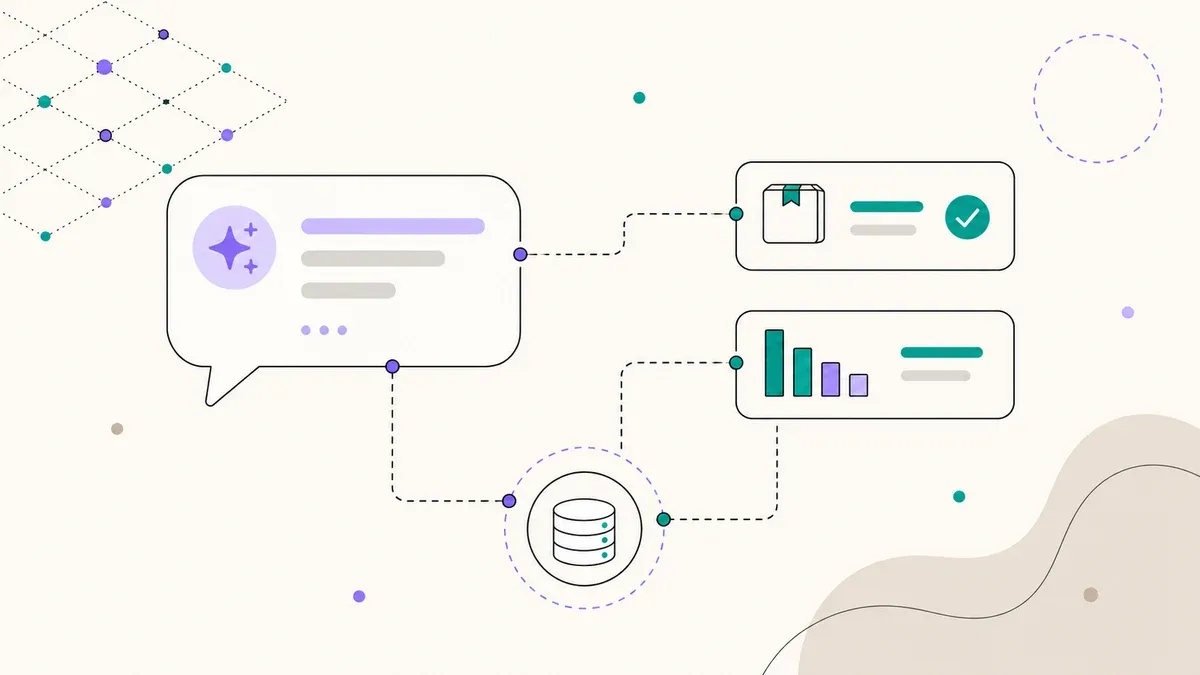
VivereBot uses a 4-layer intent system that reliably routes queries to the right response:
- Layer 1 – Heuristic Classifier: Catches standard patterns (greetings, price queries, date requests) without an LLM call. Fast and cheap.
- Layer 2 – LLM Intent Router: Claude Haiku classifies more complex queries into roughly 15 intent categories. Latency under 300 ms.
- Layer 3 – Context Resolver: Pulls required data from the WooCommerce REST API – products, prices, availability – in real time.
- Layer 4 – Orchestrator: Assembles the final response, maintains conversation context, and decides whether a follow-up question is needed.
The frontend is React, the backend Node.js with Express. Session management runs without a database – all data stays in the session's working memory and is deleted on expiry. No cookies, no tracking, GDPR-compliant by design.
Hosting without cloud overhead
A common argument against custom chatbots: "You need AWS/GCP, that alone costs 200+ EUR per month for hosting." VivereBot runs on shared hosting at NameHero with Passenger – the same server that hosts the WordPress site. No separate cloud instance, no container orchestration. The incremental monthly hosting cost is zero because the chatbot shares existing infrastructure.
Custom chatbot vs. SaaS vs. no chatbot
Most businesses considering a chatbot end up at SaaS solutions like Tidio, Intercom, or Drift. These tools are quick to set up but have limitations that become problematic for advisory-intensive businesses. A direct comparison:
| Criterion | Custom chatbot | SaaS (Tidio, Intercom) | No chatbot |
|---|---|---|---|
| Monthly cost | 89 – 149 EUR | 150 – 500+ EUR | 0 EUR |
| Setup cost | 2,500 – 4,500 EUR | 0 – 500 EUR | 0 EUR |
| Customization | Unlimited – you own the code | Limited to templates | – |
| GDPR / Data privacy | Full control, your server | Data with US provider | No risk |
| Brand voice | 100% customizable | Generic with light branding | – |
| Integration depth | Direct API access (WooCommerce, CRM, etc.) | Standard integrations, often shallow | – |
| Scaling | Expandable as needed | Provider's pricing tiers | – |
| Vendor lock-in | None – code is yours | High – migration is painful | – |
SaaS wins on speed of deployment. If you need a FAQ bot in two hours that serves canned answers, Tidio is the right choice. But as soon as you want to query product data in real time, run context-aware conversations, or keep your data on your own server, SaaS hits a wall.
The custom chatbot pays for itself through lower monthly costs: at 149 EUR/month instead of 350 EUR/month (typical Intercom pricing for SMBs with AI features), you save 2,412 EUR per year. After 18 – 22 months, the higher setup cost has paid for itself – and you own the code.
What a custom chatbot costs
Costs depend on three factors: complexity of the conversation logic, number of data sources, and depth of integration.
Setup (one-time): 2,500 – 4,500 EUR. This covers intent system, API integration, frontend widget, testing, and deployment. A simple chatbot with one data source sits at the lower end. A system like VivereBot with 4-layer architecture and WooCommerce integration at the upper.
Maintenance (monthly): 89 – 149 EUR. This includes LLM API costs, monitoring, intent optimization based on real conversations, and updates when the product catalog changes. Claude Haiku as LLM keeps API costs low – typically under 20 EUR/month even with several hundred conversations.
No hidden lock-in. The code is yours. If you want to take over maintenance yourself or hire a different developer, you get the repository. This is not a SaaS subscription that stops working when you cancel.
Which businesses benefit most
From our experience with VivereBot and similar projects – which we build as custom tools – certain patterns emerge:
- Retreat and wellness providers: Complex offerings with dates, levels, and packages. High advisory needs, often international guests.
- Online shops with complex products: Supplements, specialty equipment, configurable products. The bot knows the catalog better than any filter sidebar.
- Coaching and consulting: Visitors often do not know which offering fits them. A chatbot pre-qualifies and saves initial consultations.
- Specialized trades: Businesses offering solar panels, heat pumps, or custom builds receive complex inquiries. A bot can handle technical standard questions and pre-qualify leads.
- Real estate: Collect search criteria, suggest matching properties, coordinate viewing appointments.
Where it makes less sense: simple services with clear pricing (barbers, cleaning), businesses with fewer than 500 monthly website visitors, or businesses where the personal first contact is part of the sales process.
Technical decisions that matter
If you decide on a custom chatbot, three architecture questions determine success:
LLM choice. GPT-4o is the most recognized model, but for chatbot use cases it is often overkill – and expensive. Claude Haiku delivers comparable quality for conversational tasks at a fraction of the cost. For VivereBot, API consumption runs under 20 EUR/month. With GPT-4o, three to five times that would be realistic.
Intent recognition. Pure LLM routing ("send everything to the AI") works but is slow and costly. VivereBot's 4-layer system catches 30 – 40% of queries in the heuristic layer alone – no LLM call needed. That saves money and reduces response time to under 100 ms for standard questions.
Data integration. The chatbot needs live access to your product data. For VivereBot, that happens via the WooCommerce REST API. Any platform with an API can be connected – Shopify, booking systems, CRM tools. We use similar patterns to our AI-powered business intelligence skills, just with a chat interface instead of a CLI.
4 steps to your own chatbot
The typical timeline from idea to go-live:
Week 1 – Analysis and concept. We analyze your most common customer inquiries, identify the top 10 intents, and define which data sources to connect. Result: a concept document with conversation flows and technical architecture.
Weeks 2 – 3 – Development. Backend with intent system, API integration, LLM connection. Frontend widget, customized to your branding. Internal testing with real questions from your daily business.
Week 4 – Testing and launch. Beta phase with real visitors, monitoring conversation quality, fine-tuning intents. Go-live with tracking so you can see which questions are asked and where the bot hands off.
Ongoing – Optimization. Monthly analysis of conversations: What new questions are appearing? Where does the bot give wrong answers? Which intents are missing? The bot improves over time because it learns from real conversation data.
Advisory-intensive product? Let's talk about your chatbot.
30 minutes, free of charge. We assess whether an AI chatbot makes sense for your business – and what it would cost.
Book a call →