Reduce Cart Abandonment: 7 Immediate Fixes
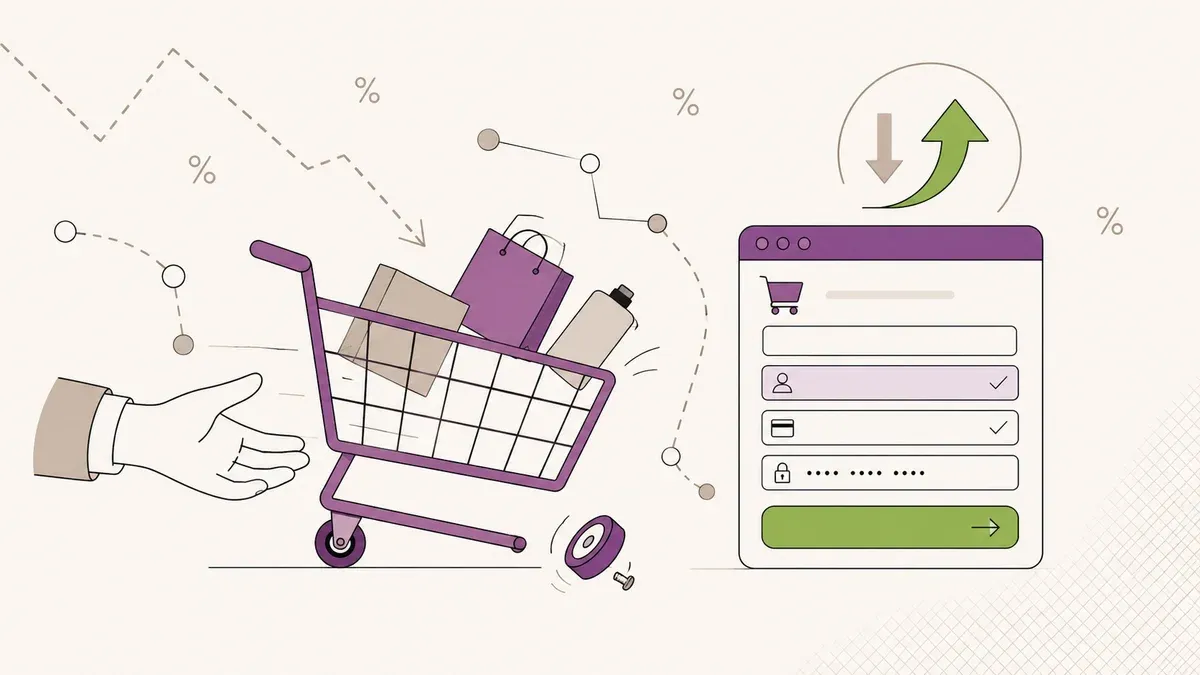
70.22% abandonment rate, $18B in lost revenue per year. Seven concrete measures – from guest checkout to GDPR-compliant recovery emails – you can implement this week.
Seven out of ten visitors add products to their cart and then leave without buying. The global average cart abandonment rate sits at 70.22% according to Baymard Institute, with broader studies reporting up to 74.8%. These are not abstract numbers. If your store generates $10,000 in monthly revenue, another $23,000 to $30,000 worth of products never makes it to checkout.
The upside: most of these abandonments have nothing to do with your product. They are friction points in the checkout, missing payment methods, lack of trust. All things you can fix. This article gives you seven measures you can implement immediately. No long-term strategy projects, just concrete levers with measurable results.
Every abandoned cart
is lost revenue
(Baymard Institute)
per year globally
via email flows
Why Customers Abandon: The Data
Before you optimize, you need to understand where the friction lives. The Baymard study has quantified the reasons. Here are the six most common:
Two things stand out: nearly half of all abandonments happen because of unexpected costs. And on mobile devices, the abandonment rate hits 80% compared to 66% on desktop. Most stores are still primarily optimized for desktop, even though the majority of traffic is mobile. That gap is expensive.
If you suspect your entire conversion funnel needs work, our conversion audit guide complements the e-commerce-specific measures here.
1. Transparent Pricing from the Product Page
48% of abandonments happen because costs only appear at checkout. Shipping, taxes, fees. Customers perceive this as deceptive, even when it is just $4.99 in shipping.
The solution is not to eliminate shipping costs. It is to make them visible early. From the product page, not at the final checkout step.
How to implement this:
- Shipping calculator on the product page. ZIP code field, instant display of delivery costs. Most shop platforms offer this as a plugin.
- Communicate thresholds. "Free shipping over $49" in the header. In the cart view, a progress bar: "Only $12.30 away from free shipping."
- Tax clarity. Display whether prices include or exclude tax prominently. For B2B stores with net prices, show the gross price as additional info.
The goal: zero surprises at checkout. The price a customer sees on the product page should be as close as possible to the final amount.
2. Enable Guest Checkout
26% of abandonments are caused by mandatory account creation. This is the second most common reason and the easiest to fix.
Yes, customer accounts have advantages: order history, faster repeat purchases, better data for your CRM. But if the alternative is that a quarter of your potential customers do not buy at all, the math is clear.
How to solve this:
- Guest checkout as default. Offer registration as optional, not mandatory. WooCommerce and Shopify both have this in their settings.
- Post-purchase account creation. After the purchase, ask: "Want to create an account? We just need a password." You already have their data from the order.
- Social login. Google, Apple, one click. Lowers the barrier to a minimum.
When choosing your e-commerce platform, guest checkout should be a standard feature, not an afterthought.
3. Reduce Checkout to a Single Page
Every additional step in the checkout is a point where customers drop off. Multi-page checkouts with address, shipping, payment, and confirmation on separate pages lose 20 to 30% more customers on mobile than a one-page checkout.
What a good one-page checkout includes:
- A single form. Address, shipping option, payment method, confirmation – all on one page. Accordion blocks or a vertical flow work well.
- Autofill and address validation. Google Places API or a comparable service. Saves typing, reduces errors.
- Real-time summary. On the right (desktop) or top (mobile), a compact order summary that updates live.
- Maximum 7 form fields. Name, email, street, ZIP, city, country, phone. Everything else is optional or derivable.
For WooCommerce, plugins like CartFlows or FunnelKit handle this. Shopify has Shop Pay as an optimized express checkout. More on platform choices and their checkout strengths in our WooCommerce vs. Shopify comparison.
4. Optimize Payment Methods for Your Market
13% of customers abandon because their preferred payment method is missing. In the DACH region (Germany, Austria, Switzerland), this problem is particularly acute because the market differs sharply from the US. Accepting only credit cards loses 60 to 80% of addressable spend in Germany.
The payment landscape in Germany:
| Payment method | Market share | Priority |
|---|---|---|
| PayPal | 28% | Must-have |
| Invoice / Klarna | 27% | Must-have |
| SEPA direct debit | 17% | Must-have |
| Credit card | 12% | Standard |
| BNPL (installments) | 8% | Recommended for AOV > $80 |
| Instant bank transfer | 5% | Nice-to-have |
Invoice payment is the second most popular payment method in Germany. Customers order, inspect the goods, pay afterwards. The default risk is absorbed by providers like Klarna or Billie. Not offering this costs you trust and customers.
BNPL (Buy Now, Pay Later) increases average order value by 20 to 40%. For carts above $80, installment payments are not a luxury but a conversion driver.
The minimum setup for European markets: PayPal, Klarna/invoice, SEPA direct debit, credit card. That covers over 84% of payment preferences. Even if you are selling outside Europe, the principle holds: research which payment methods your specific market prefers and offer them.
5. Deploy Trust Signals Strategically
18% of abandonments stem from trust concerns. In the DACH region, this is particularly sensitive because customers are more skeptical with unfamiliar stores compared to the Anglo-American market.
Trust badges reduce abandonment by up to 28%. But not every badge has equal impact. In Germany, customers recognize three seals:
- Trusted Shops. The most recognized trust seal in DACH. Includes buyer protection, which lowers the barrier for first-time purchases.
- TÜV seal. TÜV Süd or TÜV Rheinland. More expensive than Trusted Shops, but carries the highest trust with older demographics.
- EHI seal. From the EHI Retail Institute. Less well-known, but solid.
For markets outside DACH, equivalent trust signals include BBB accreditation, Norton/McAfee security seals, or industry-specific certifications.
Beyond seals, there are trust signals you can implement today:
- SSL certificate visibly displayed (lock icon, "Secure connection" next to the payment form).
- Reviews shown directly in the checkout. Not on a separate page, but where the purchase decision happens.
- Return policy clearly communicated. "14-day free returns" as a banner above the checkout. Unclear return conditions are an independent abandonment reason.
- Contact details visible. Phone number, address, real contact persons. Not an anonymous contact page with just a form.
6. Set Up Recovery Emails (GDPR-Compliant)
Bringing cart abandoners back via email is one of the most effective levers in e-commerce. The numbers: 50.5% open rate, 6.25% click rate, 10.7% conversion rate. Multi-email sequences generate 69% more orders than a single reminder.
A solid recovery flow looks like this:
- Email 1 (after 1 hour): Reminder with product image and direct link back to the cart. No discount, no urgency. Simply: "Your cart is waiting."
- Email 2 (after 24 hours): Social proof. Product reviews, maybe a FAQ section about shipping and returns.
- Email 3 (after 72 hours): Now optionally an incentive. 5% discount or free shipping. Not with every sequence – otherwise you train your customers to abandon carts on purpose.
GDPR sets clear boundaries.
For existing customers (who have purchased from you before), you can send cart reminders. In the EU, this is permitted under the ePrivacy Directive as long as the email promotes a similar product and the customer has not objected.
For new visitors (who have never purchased), the situation is different. European data protection authorities (notably the Hessian DPA in Germany) have ruled that cart emails to non-customers without explicit double opt-in consent are illegal. Without prior newsletter consent, no recovery email.
Practical solution: build the email opt-in into the checkout. A checkbox with "Yes, send me offers and reminders" before order submission. This gives you consent and lets you send recovery emails to first-time visitors too. Combined with a well-structured conversion path, you significantly increase the opt-in rate.
7. Prioritize Mobile Checkout
80% abandonment rate on mobile versus 66% on desktop. That 14 percentage point gap is not a coincidence. Mobile checkouts in many stores are a worse version of the desktop experience instead of a separately optimized flow.
What you can improve immediately:
- Load time under 3 seconds. Every additional second costs 7% in conversions. Compress images, reduce JavaScript, inline critical CSS.
- Touch-optimized input fields. At least 48px height, sufficient spacing between fields, numeric keyboard for ZIP and phone.
- Express checkout buttons. Apple Pay, Google Pay, PayPal Express. One click instead of ten form fields. These buttons belong above the regular checkout, not below it.
- Sticky cart button. On product pages and in the cart view, always visible, even when scrolling.
- No forced zoom. Form fields with at least 16px font size so iOS does not auto-zoom.
Test your mobile checkout yourself. Not in browser devtools, but on an actual smartphone. Complete an entire order. You will find friction points that never showed up on desktop.
What You Can Implement This Week
Implementing all seven measures at once is neither necessary nor practical. Here is a sequence ranked by impact and effort:
| Measure | Impact | Effort |
|---|---|---|
| Enable guest checkout | High | 30 min |
| Make shipping costs transparent | High | 1 - 2 hrs |
| Add payment methods (PayPal, Klarna) | High | 2 - 4 hrs |
| Trust badges in checkout | Medium | 1 hr |
| Test and fix mobile checkout | High | 4 - 8 hrs |
| Set up recovery emails | High | 4 - 6 hrs |
| One-page checkout | Medium - High | 1 - 2 days |
Start with guest checkout and shipping transparency. Those are the quick wins with the least effort. Then payment methods and trust signals. Recovery emails and mobile optimization need more preparation but deliver ongoing returns.
The goal is not perfection. It is to push the abandonment rate from 70% down to 55 or 60%. For most stores, that means 15 to 25% more revenue without a single additional visitor.
Checkout audit for your store?
We analyze your checkout, identify the biggest abandonment drivers, and implement the optimizations. 30-minute consultation, free.
Request checkout audit →